
Creating support tickets
2026-01-15Last updated
To create a support ticket in Clearance, a member of the Account administrators group can use the Contact support option accessed from the Help section.
What you should know
Procedure
-
Click Help (
 ).
).
-
Complete the fields. Required fields are identified by an asterisk (*).
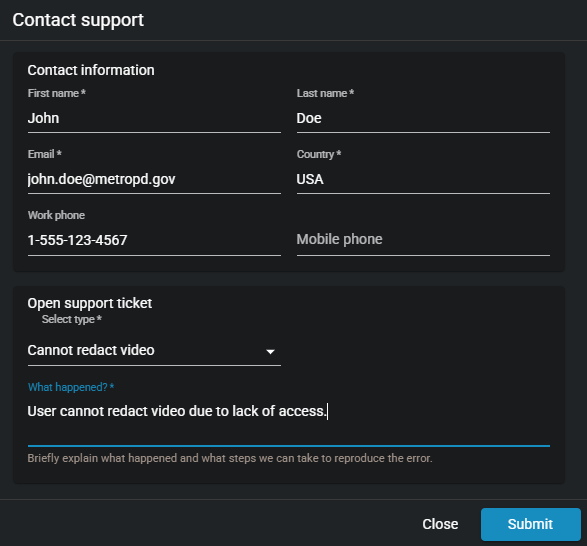
- In the Open support ticket section, select a ticket type from the Select type * drop-down list. For example, Cannot redact video.
- In the What happened? * field, enter some text to describe the issue that occurred and how the error can be reproduced.