
Why do I have two instances of Clearance Drive?
2025-11-13Last updated
If you see two instances of Clearance Drive, then you have installed the application twice in an attempt to change your installation type.
Cause
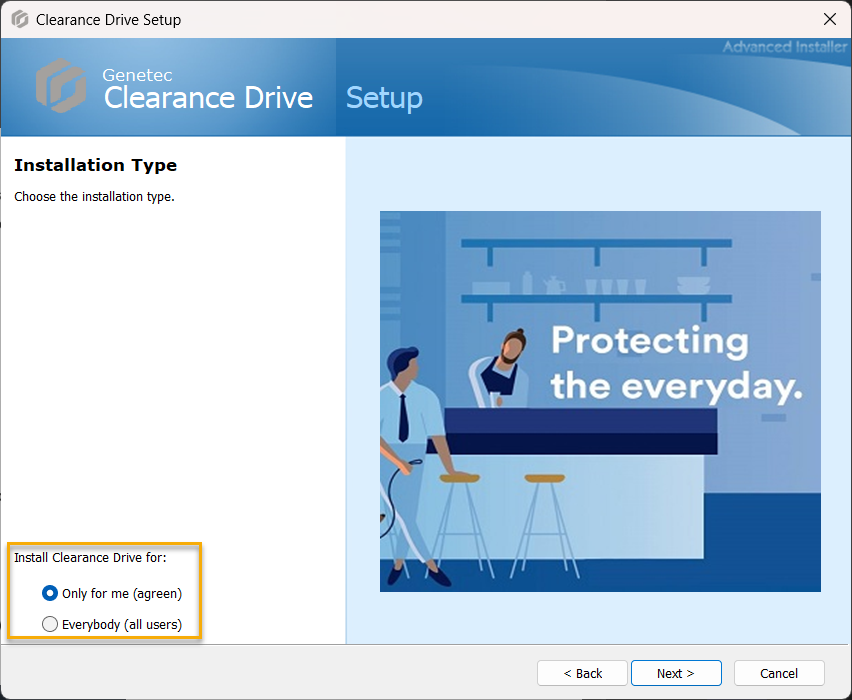
When installing Clearance Drive, you can choose to make the application available to only yourself, or to all users who have access to the computer Clearance Drive is being installed on.
Solution
If you want to change your installation type, you must completely uninstall and then reinstall Clearance Drive.
- Open Add or remove programs from your system Control Panel.
- Uninstall Clearance Drive.
- Reinstall Clearance Drive using the installation type you
require.
 Note:For more information about installing Clearance Drive, see Installing Clearance Drive.